Required Downloads
– PC Client Service Installer
Setup Instructions
It is not necessary to uninstall the existing PC Client to use the ESChat Web Client. However, only one should be running at at a time.
You must be using a Windows computer to use this version of the ESChat Web Client.
- Download ESChat PC Client Service Installer from link (above)
- Run ESChat PC Client Service Installer and follow instructions
- Navigate to the appropriate service below:
- AWS US – https://us-webclient.sla-ptt.com/
- AWS GC: https://gov-webclient.sla-ptt.com/
- AWS CA: https://ca-webclient.sla-ptt.com/
- AWS AF – https://af-webclient.eschat-ptt.com/
- AWS UK: https://uk-webclient.eschat-ptt.com/
- AWS AU: https://au-webclient.sla-ptt.com/
- Follow the Instructions to Install the ESChat Web Client Browser Extension
- Verify the following screen:
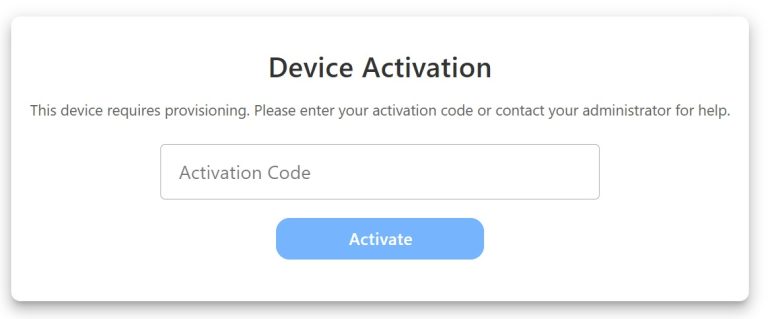
5. Enter your Activation Code and press Activate
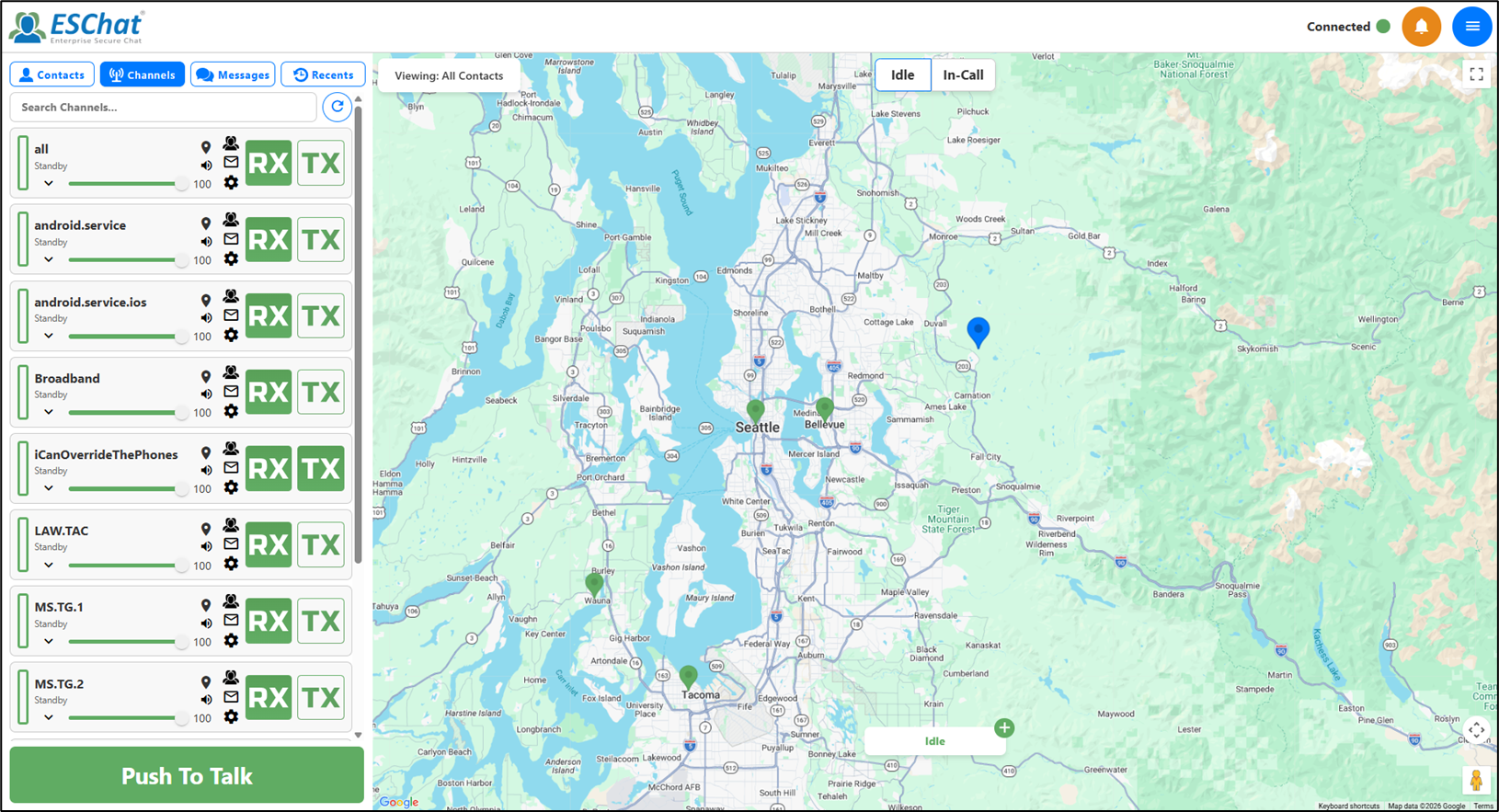
ESChat Web Client Preview